

Outlook Calendar
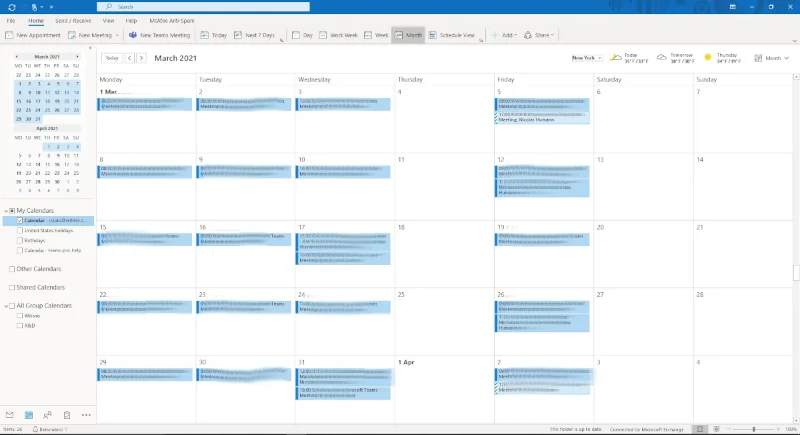
The most familiar one is the Outlook calendar. In 2020 fall, Microsoft Outlook 365 added two additional views for the Outlook calendar, an easier way to RSVP, improved event scheduling capabilities, and a handy new status for invitations. It's packed into a more attractive app. Outlook Calendar’s latest features include integration with My Day and Meeting Insights for better event management.
Advantages
- Quickly view daily schedules with My Day.
- Advanced scheduling with integrated email responses.
- Meeting Insights feature suggests relevant emails and files.
- Board feature for organizing work efficiently with customizable cards.
Disadvantages
Outlook Calendar lacks two-way sync with Teams and has some mobile sync issues on Android.
Microsoft Teams Calendar
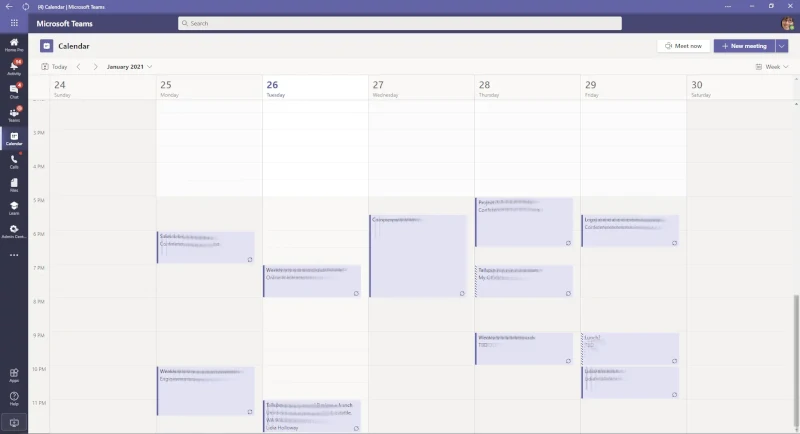
Microsoft Teams is more than just a chat app. It includes a simple but effective calendar for managing meetings and events within corporate or educational institutions. It's easy to access and manage from the Teams interface.
Advantages
- Simple interface and easy to access.
- Scheduling Assistant for finding participant availability.
- Reminders for scheduled meetings and tracking participant responses.
Disadvantages
Limited to weekly views; lacks a monthly overview option.
Calendar Pro
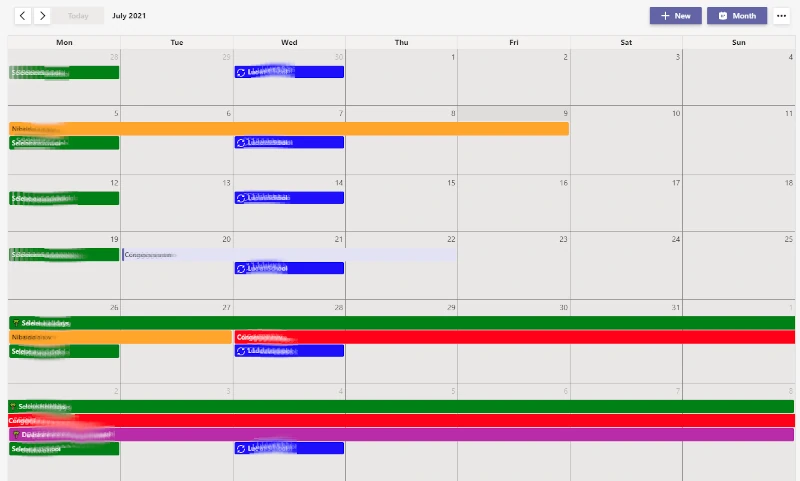
Calendar Pro is ideal for organizing large or small groups. It's popular for managing school schedules and other activities and includes unique features like print options and private tabs for personal use.
Advantages
- Ability to print schedules.
- Private tabs for personal appointment management.
- Tags and filters for better event organization.
- Mobile accessibility for managing events on the go.
Disadvantages
Comprehensive but can be overwhelming with the number of features available.
Channel Calendar
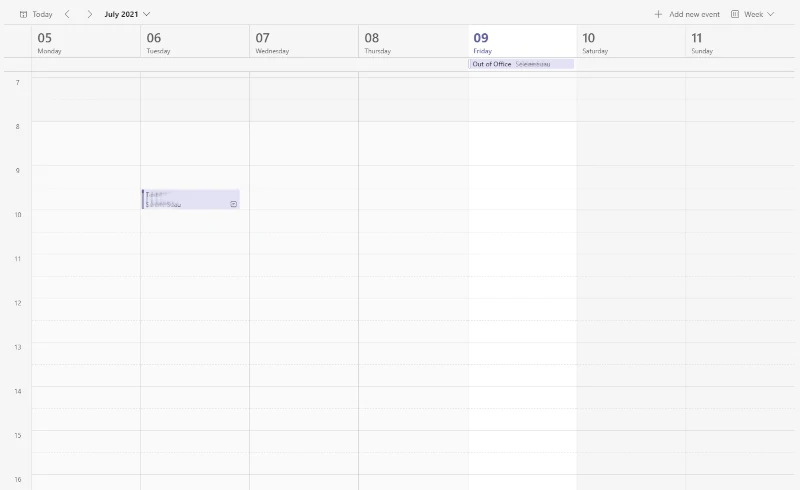
Channel Calendar is a newer feature in Teams, allowing shared calendars for specific channels. It's designed to streamline team scheduling and ensure that channel members are in sync.
Advantages
- Shared calendars available as channel tabs.
- Automatic notifications for new events.
Disadvantages
Lacks Outlook and SharePoint integration and private tab options.
In conclusion, each of these Office 365 calendars offers different strengths. Depending on your specific needs, you may prefer one over the others, but they are all valuable tools for staying organized and on top of your tasks.

Alexis Quesnel
Lead Engineer