Your room list was built once, years ago, and it has been absorbing a different kind of demand ever since. Someone books a four-person room to take a call alone. Someone else blocks a room for three days because there is nowhere to put a project team. That is seat demand wearing a room's clothes, and desk booking in Microsoft Teams answers it three ways, each with its own license and its own blind spots.
- Microsoft offers three native desk-booking paths, and they differ in what a person books, what you pay, and what you can measure afterward.
- Individual desk booking stopped requiring Teams Premium on 1 April 2026 and moved to a per-desk Teams Shared Space license.
- Microsoft lists that license at $8 per desk per month and calls the effective rate about $2 per desk per month.
- A workspace mailbox needs no new license, but it books a slot in a pool rather than a named seat, and it reports nothing back at seat level.
- CBRE finds 73% of organizations effectively at capacity on peak days while 66% run under 60% utilization on average.
What is desk booking in Microsoft Teams?
Start with the definition, because the word desk means three different objects inside Microsoft 365.
Desk booking in Microsoft Teams is the practice of reserving an individual seat, rather than a meeting room, from inside Teams or Outlook. Microsoft supports it three ways: a shared workspace mailbox that books a slot in a pool, a licensed individual desk that books a named seat, and Microsoft Places for building-level planning.
They are not interchangeable, and the differences are not cosmetic. One is free and cannot tell you which seat sat empty. One costs a few dollars per desk and can. One never sees an individual desk at all.
Your room list is absorbing seat demand
The pressure is new, and it is measurable. JLL's 2026 occupancy benchmark, built on 84 organizations representing 716 million square feet, reports that 62% of organizations now require a fixed number of in-office days, up from 49% a year earlier, with 55% attending three to four days a week. Fixed days do not spread attendance. They concentrate it.
CBRE's occupier survey shows what concentration does to a floor plan.
Full on Tuesday, two-thirds empty across the week. That is a scheduling problem before it is a real-estate problem, and the same survey says the squeeze is tightening: by 2027, 73% of respondents expect people-to-seat ratios above 1.5:1.
We see the improvisation in our own data. In a recent snapshot of Booking Room Pro activity, a visible share of bookings are individual holds and multi-day exclusive blocks rather than group meetings. Treat that as a directional pattern from a short sample, not a population statistic, but it matches what admins describe: with no seat layer, people claim seats through the room layer. If your pain is two teams landing in the same room, that is a different problem, and if you are sizing the room estate itself, start with room utilization. This article is about the seat.
Path 1: the workspace mailbox you already know how to build
The cheapest path uses an object you have managed for years. In Exchange, a desk pool is a workspace: you create a room mailbox and retype it with New-Mailbox -Room | Set-Mailbox -Type Workspace, then set capacity in Places with Set-PlaceV3 -Capacity. Microsoft lists booking rooms and workspaces as a Core feature, meaning no space license and no Teams Premium.
Two defaults bite here. EnforceCapacity defaults to $false, so the capacity you advertise is not enforced until you switch it on, and a workspace does not appear in Outlook Room Finder until you add it to a Room List with Add-DistributionGroupMember. Nothing surfaces automatically. Booking windows follow the standard resource defaults: BookingWindowInDays is 180 days by default with a 1080-day maximum, and MaximumDurationInMinutes is 1440.
Be honest about the trade, because Microsoft is. A pool books a slot, not a seat: "Multiple users can reserve the pool at the same time until all seats (the capacity) are taken". And Microsoft steers you elsewhere: it "recommends setting up individual desks over desk pools for a better bookable desk user experience, more detailed utilization analytics, and more management capabilities." This is the path that requires no purchase. It is not the path Microsoft calls best.
Path 2: individual desks, licensed per desk since April 2026
This is the part of the model that changed most recently, which is why guidance written before this year points at the wrong license. Microsoft states that "in April 2026 individual desk booking changed from a per-user to a per-space licensing model": instead of a Teams Premium license per person, a Teams Shared Space or Teams Shared Space Single Space license is applied to the desk itself, making it bookable by any Teams user in the tenant. Existing Teams Premium subscriptions are grandfathered "until renewal".
The arithmetic is published. Microsoft lists the paid license at $8 per desk per month, grants three $0 Single Space licenses for each paid one, and summarizes the result as "about $2 per desk per month." Two traps travel with it. The free licenses "are not generated or provisioned automatically," so customers who buy the base license and wait for them "will wait indefinitely." And how you transact decides whether you can even see the free SKU: Microsoft says the Single Space license is only available for purchase with an MCA billing account rather than a MOSA one, while Enterprise Agreement customers request it in the Volume Licensing Center instead. One license per desk covers exactly three things: reservation, auto-release and check-in, and analytics.
You do not create an individual desk with an Exchange mailbox command. You create it in the Places directory with New-Place -Type Desk, inside a strict Building, Floor, Section, Desk hierarchy, and the desk mailbox is generated underneath. Each desk carries one mode: Reservable, Drop-in, Assigned or Unavailable.
Two prerequisites decide whether you qualify today. Access to the Teams Rooms Pro Management portal is prerequisite number one, and enableBuildings must be on for your tenant or the desks never appear there. Peripheral association is the part people over-plan: linking a monitor by product ID, vendor ID and serial number produces the plug-in experience and the usage signal, and the Places docs mark it "(recommended)," not required. Microsoft is blunt that "you don't need new hardware," but it supports only peripherals reporting a unique, clean serial number.
Path 3: Microsoft Places, which measures buildings and not desks
Places is where individual desks live and where users find them, so it is less a rival to path 2 than the layer above it. What matters is the boundary of what it reports. Microsoft's scope sentence is that Places analytics covers "buildings, rooms, and desk pools", and its inputs are work plans and badge access data, not desk peripherals. It answers how full the building was. It does not answer which seat sat empty.
Two conditions travel with it: occupancy reports require rooms and desks to carry a space license, and days with fewer than 10 members in a building are not shown in actual occupancy dashboards. Teams Premium is no longer required to reach Places analytics either, changed on the same 1 April 2026.
| Path | What a person books | What it costs | What you can measure |
|---|---|---|---|
| Workspace mailbox (desk pool) | A slot in a pool, not a specific seat | No new license, listed as a Core feature | Nothing at desk level |
| Individual desk | One named seat, in one of four modes | $8 per desk per month, about $2 effective | Utilization, reservations, unplanned reservations, reservation occupancy |
| Microsoft Places analytics | Not a booking surface of its own | Occupancy reports need a space license | Buildings, rooms and desk pools, not individual desks |
Measure your own no-show rate instead of borrowing one
Workplace vendors circulate desk no-show percentages with no traceable study behind them. Ignore them. Microsoft ships two vendor-neutral fields that name the behavior, in the Teams Rooms Pro Management portal under Analytics and Reports: Reservation occupancy, "the percentage of reserved time that users spent connected to the bookable desk," and Unplanned reservations, the share created automatically when someone plugged in without booking. A summary line counts total unused desks, meaning desks at 0% utilization. Microsoft says these reports are in preview, need no license, and measure only 8:00 AM to 5:00 PM on weekdays. The report does cover desk pools, but a pool has no seat identity, so the numbers stop there.
The remedy is a setting, not a policy memo. Desk auto-release defaults to a 10-minute window before an unclaimed desk is released, with a reminder email 15 minutes before. Note the catch that decides your path: any user can check in and auto-release on a desk configured with a Teams Shared Space license, otherwise it takes a Teams Premium license acquired before 1 April 2026. The free workspace route does not come with the fix for ghost bookings.
Five decisions to make before you create a single desk
Booking mechanics are not what makes desk sharing work. Leesman, across 1,322 workplaces and 476,341 respondents, scores unassigned seating without variety at 51.1 and unassigned seating with variety at 79.0, against 71.1 for a designated workstation. Same model, opposite outcomes, decided by whether the floor offers somewhere else to go.
- Pick the path before the pilot
A pool if you need it running this week with no purchase, individual desks if you need named seats, check-in or per-desk numbers.
- Model sections as team neighbourhoods
The Section level in the Building, Floor, Section, Desk hierarchy is where a team stays together instead of scattering across zones.
- Turn on the defaults you actually want
EnforceCapacity is off by default, booking windows run 180 days, and Room List membership is what makes a workspace findable.
- Budget for propagation, not just licenses
Allow 24 to 48 hours for a new desk or pool to appear, another 24 hours after associating a peripheral, and up to 48 hours for auto-release changes.
- Read reservation occupancy before adding desks
Measure the seats you have for a month, then decide whether the shortage is capacity or scheduling.
Gensler's 2026 Global Workplace Survey, 16,459 office workers across 16 countries, found that nearly 60% of employees in unassigned environments would prefer a dedicated workspace, and that the sense of belonging drops from 87% in assigned settings to 74% in unassigned ones. A peer-reviewed study in the Journal of Enterprise Information Management names the mechanisms: time lost locating teammates and a free desk, senior staff keeping preferred desks regardless of policy, teams scattered across zones. It analyzed 98 forum posts, so read it for mechanisms, never for prevalence.
How Teams Pro helps
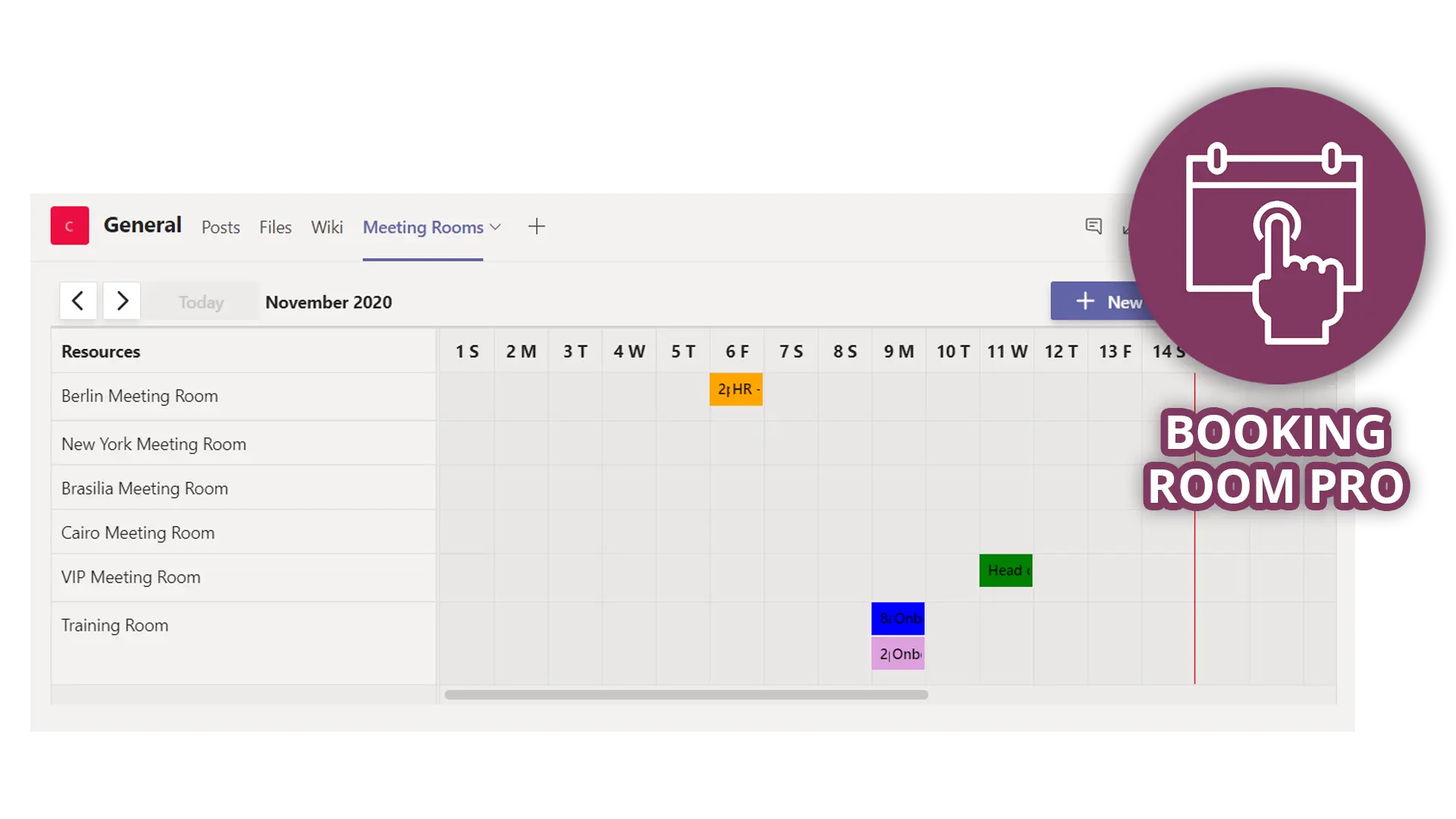
If the two native booking paths ask for more than you want to take on now, a fourth option is to keep the booking surface inside Teams without a Microsoft space license. Booking Room Pro is published as a room and desk booking app for Microsoft Teams: the product page covers "meeting rooms, hot desks, labs and more" and reserving "rooms, desks, and shared spaces in just a few clicks, right from Teams." What you set up is a list of bookable spaces inside the app, on the app's own plan.
Know the boundary before you plan a rollout. The free plan covers up to 3 rooms with unlimited bookings; recurring bookings, tags, printing, Outlook sync, permission controls and mobile arrive on the paid plan, with recurrence up to one year, per the limits documentation checked in September 2026. Over the last 30 days the app served roughly 3,600 unique users across more than ten countries. Add it from the Teams Store and start on the free plan.
Pick the path you can run on Monday
Three paths, three answers. Need seats bookable this week without named seats or numbers: retype a room mailbox as a workspace and add it to a Room List. Need a specific seat, a check-in policy and a report showing which desks nobody touches: budget a Teams Shared Space license per desk and confirm portal access first. Need building-level occupancy for a real-estate decision: that is Places, and it will not tell you about desk 4B.
One caveat outlives this article. Microsoft rewrote this model on 1 April 2026 and is still revising these pages, so verify before you buy. If the prerequisites are what stand between you and a working seat layer, try the Teams-native route free and measure real demand first.
Frequently asked questions
Do you still need Teams Premium for desk booking in Microsoft Teams?
No. Microsoft moved individual desk booking from per-user to per-space licensing on 1 April 2026: a Teams Shared Space or Teams Shared Space Single Space license applied to the desk makes it bookable by any Teams user. Customers with active Teams Premium subscriptions keep premium features until renewal. Desk pools booked through a workspace mailbox never required Teams Premium.
What is the difference between a workspace and a desk in Exchange?
A workspace is a desk pool: it has a capacity, and multiple people can reserve it at once until the seats are gone, so a booking gets you a slot rather than a specific place to sit. A desk is one named seat, created with the Places cmdlets rather than with an Exchange mailbox command, and reserving it means that exact seat is yours.
Do you need special hardware for bookable desks in Teams?
Microsoft states you do not need new hardware. Associating a peripheral such as a monitor is what enables the plug-in experience and the usage signal, and the Places documentation marks it as recommended rather than required. The constraint is that a peripheral must report a unique serial number without special characters, or it is not supported.
How long does a new desk take to appear in Teams and Outlook?
Microsoft documents 24 to 48 hours for a new desk or desk pool account to appear in Outlook, Teams and the Teams Rooms Pro Management portal. Allow a further 24 hours after associating a peripheral before testing, up to 48 hours for auto-release setting changes, and up to 12 hours for Places analytics settings.