The projector kit lives on a spreadsheet, the camera on a whiteboard, and the microscope on a shared Outlook calendar nobody owns. Two people show up for the same slot, and the winner finds the item uncharged, uncalibrated or still in someone's car. Microsoft 365 already gives you an equipment booking system that stops the double-booking, but equipment fails in ways a meeting room never does, and those failures need rules.
- Microsoft 365 books equipment through Exchange equipment mailboxes, which need no license and decline conflicting requests by default.
- An equipment mailbox can limit who books and for how long, but it has no setting for a buffer between sessions.
- Shared equipment needs five rules rooms don't: authorized users, cleanup time, session caps, a handover state and visible maintenance.
- A booking calendar records who reserved a slot, not who holds the item, so custody, billing and audit trails need other tools.
How do you book equipment in Microsoft Teams?
Start with the short answer, because it decides where your gear will live.
Microsoft documents no Teams-specific way to book equipment. The native route is an Exchange equipment mailbox: an admin creates one per item, with no license required, and people book it by adding the item's name to a meeting request. It declines conflicts by default and can limit who books and for how long.
Microsoft defines an equipment mailbox as "a resource that's not location specific, such as a portable computer, projector, microphone, or a company car" (Microsoft Learn). In a Teams meeting, you add the item's name as an attendee, as you would in Outlook. Microsoft's Teams scheduling guide covers attendees only (Microsoft Support), so this is the generic meeting-request route, not a Teams feature. The other option is a booking tab inside a Teams channel. Company cars need rules of their own, so this guide leaves them aside.
Why equipment is harder to share than a meeting room
A meeting room stays put and resets itself. Equipment moves, wears out, needs cleaning or calibration between users, and can ruin an experiment in untrained hands. That is why the organizations that share expensive gear never rely on open booking alone.
Public funders treat sharing as the default and expect rules around it. NIH's restructured Shared Instrumentation Grant wants instruments "optimally shared among the users," expects NIH-funded projects to use them "at the 65 percent level of the Accessible Usage Time (AUT) or higher," and asks applicants to describe "time allocation, priority setting, conflict resolution" (NIH, June 2026). UKRI, the UK research funder, says sharing "maximises the benefit of every pound we invest by increasing utilisation and reducing duplication" (UKRI, October 2026).
Offices have no equivalent evidence. We found no independent figures on time lost to missing AV kits or unreturned tools, only vendor surveys, so this guide relies on Microsoft's documentation and on rules that labs publish. Offices share gear too: many teams already use Booking Room Pro to schedule shared equipment and labs, not just meeting rooms, and in a one-afternoon snapshot of recent bookings, roughly a third looked like equipment, lab-instrument or crew slots.
What Microsoft 365 already gives you
Equipment mailboxes are better than their reputation. "Resource mailboxes don't require a license"; unlicensed, they are capped at 50 GB (Microsoft Learn). An admin creates one per item in the Exchange admin center or in PowerShell, and Microsoft advises "a consistent naming convention" (Microsoft Learn), since the name is what people see in the address book.
The booking policies do real work (Microsoft Learn):
Conflicts: AllowConflicts is off by default, so an auto-accept item declines a request that clashes with an existing reservation or breaks its limits.
Who books: BookInPolicy names the users or groups approved automatically. With AllBookInPolicy set to false, "Other users can't book the resource" (Microsoft Learn). Delegate approval is the alternative.
Length and reach: MaximumDurationInMinutes defaults to 1440 (24 hours) and BookingWindowInDays to 180.
Outsiders: requests from outside your organization are rejected by default.
Three gaps matter for equipment. No parameter sets a buffer between bookings. Equipment doesn't appear in Room Finder or Places Finder, which show "Conference rooms, workspaces" (Microsoft Learn), so people must know the item's name. And only an admin can set it up or change it.
Microsoft Lists covers custody. Its Asset manager template tracks "who has which asset, which assets are in repair, and what the check-in and check-out dates are" (Microsoft Support). It is a list, not a conflict-aware calendar, but it answers what a calendar can't: who has the item right now?
The five rules of an equipment booking system
Whichever calendar you pick, these rules decide whether it works. An equipment mailbox can enforce the first and third. The rest are process rules you write down and make visible.
1. Only authorized people book solo
Instrument cores are blunt about this. Duke's flow cytometry facility says "All first-time users must go through the formal training provided by our staff" (Duke), and UNC's biology microscopy core asks users to retrain after three months without use (UNC). For an office drone or cinema camera, the bar might be a short briefing. In an equipment mailbox, put the trained group in BookInPolicy, set AllBookInPolicy to false, and everyone else is refused.
2. Book cleanup and reset inside your slot
Exchange has no buffer setting, so the buffer is the booker's job. UNC requires users "to include enough time for data removal in their scheduled reservation." Make each booking cover set-up, use, cleanup and any reset the next person needs, and put a fixed turnaround in the item's name, such as "Confocal 2 (30 min reset)".
3. Cap session length and share time fairly
Open booking rewards the fastest clicker. The University of Chicago's light microscopy core allows "a maximum of 5 hours per session during peak use hours" and "a maximum of 15 hours per week per microscope during business hours" (UChicago). McGill's facility allows "one five-hour session per week during daytime hours" and bans consecutive reservations (McGill). Caps exist because people over-book: explaining a change to its booking rules, the Chicago core states that "Less than half of scheduled time on high-end systems is being used."
In an equipment mailbox, MaximumDurationInMinutes enforces the per-session cap. Nothing in Microsoft 365 enforces a weekly cap, so the item's owner checks it.
4. Define the handover state
A room is ready when the last meeting ends. Equipment is ready only when it is charged, clean, complete and working. Notre Dame's imaging facility requires labs left "in clean and good working order" and says "Facility staff must be informed of ALL instrument issues" (Notre Dame). RISD's staff loan policy is the office version: borrowers must "report all damage, loss, or malfunction immediately," and an item 30 days late is "considered lost" (RISD). Your rule can be one line: return it charged and complete, and report any fault before you leave.
5. Put maintenance on the same calendar
Few booking policies spell this out, but maintenance duties point to it. GLP labs must keep written records of inspection, maintenance, testing and calibration (21 CFR 58.63), and Georgetown's GnuLab notes "any scheduled maintenance or problems with instrumentation that will prevent its use" in the instrument calendar (Georgetown). Exchange has no maintenance mode for a time window, and its Reserved setting blocks the whole item. So the owner books the window like anyone else, under a label nobody can miss: "MAINTENANCE, do not book."
Here is the whole set, ready to paste into the channel or the item's description.
- Name who can book solo
List the trained or briefed people, and enforce it with BookInPolicy or channel membership.
- Book your own cleanup time
Each booking covers set-up, use, cleanup and the reset the next person needs.
- Cap sessions and weekly use
Set a maximum session length and a fair-share limit per person for contended items.
- Return it ready for the next user
Charged, clean and complete, with any fault reported before you leave.
- Block maintenance on the calendar
The owner books service and calibration windows so everyone sees them.
Mailbox, channel tab or dedicated software?
Decide item by item, not for the whole inventory.
Choose an equipment mailbox when people across many teams book the item and an admin is available. It is free, it lives in everyone's Outlook, and it enforces who and how long with nobody watching. For that kind of gear, it is the better fit.
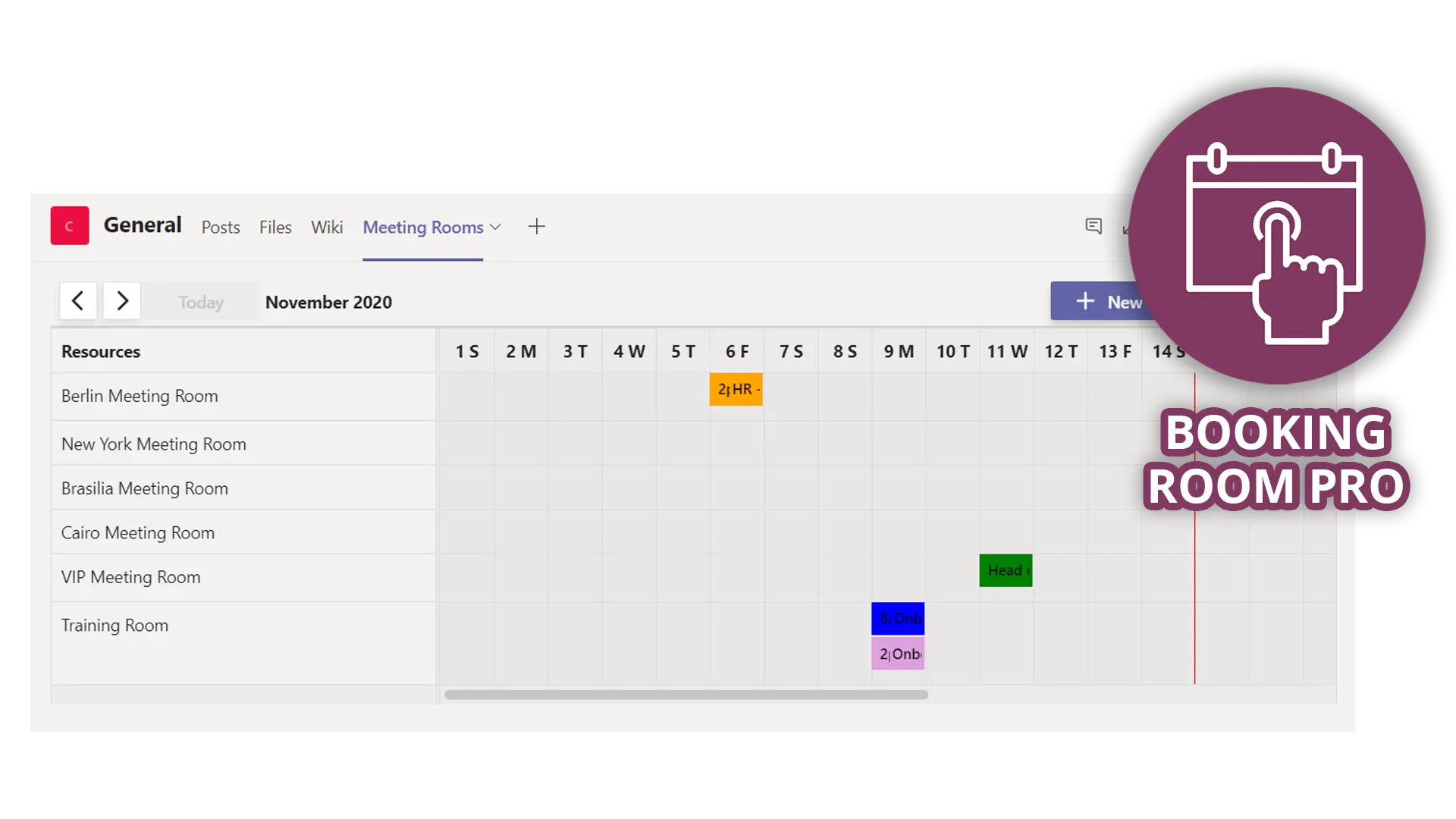
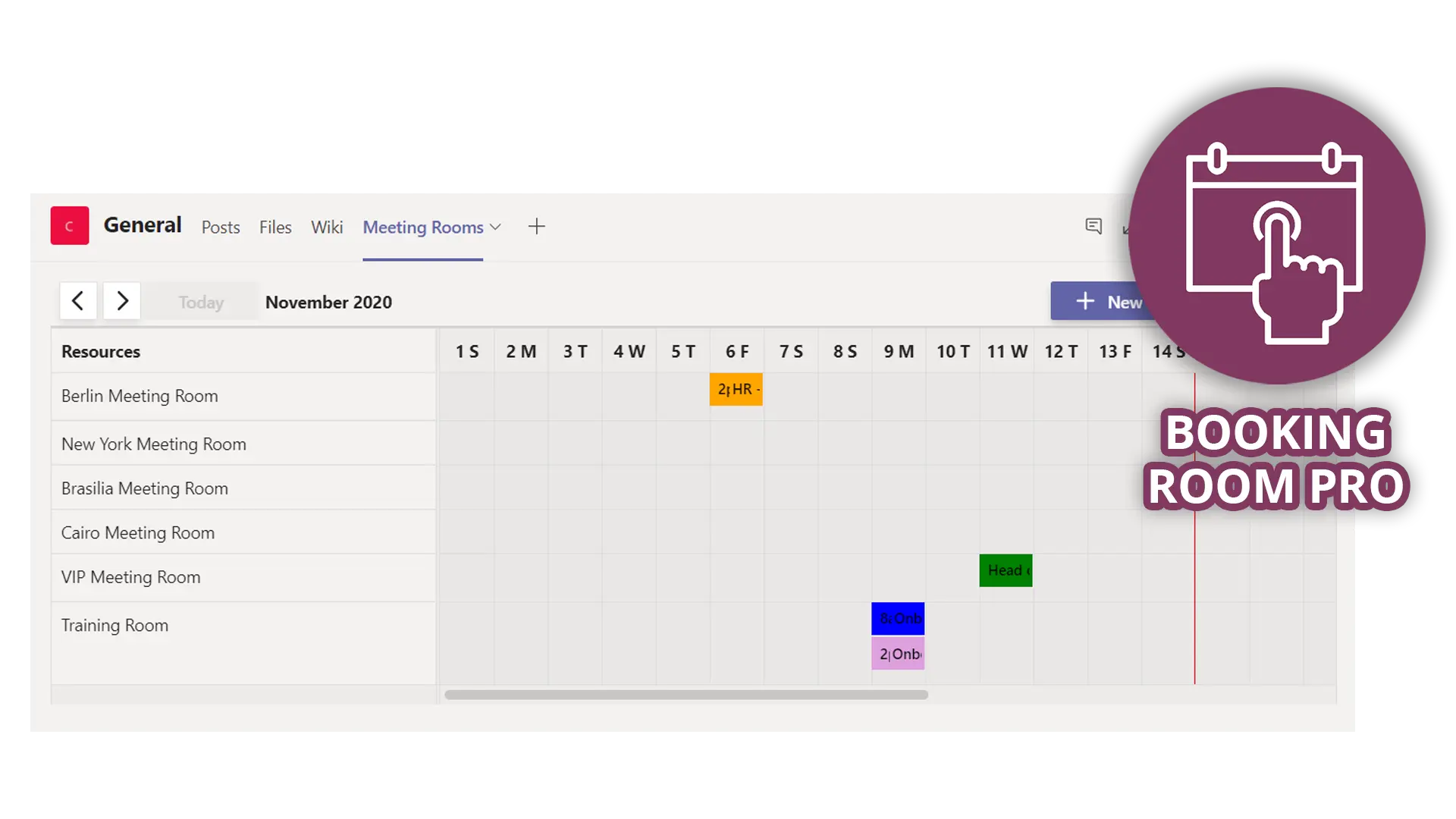
Choose a channel booking tab when one team or lab owns the item and already works in a Teams channel. The team sets it up and manages it itself, and everyone sees the day at a glance.
| Capability | Equipment mailbox | Channel booking tab (Booking Room Pro) | Lists Asset manager |
|---|---|---|---|
| Books time slots | Yes, declines conflicts by default | Yes, explains a taken slot and suggests other dates | No, it is a list |
| Limits who books | BookInPolicy or delegates | Channel membership | No |
| Caps session length | MaximumDurationInMinutes | Written rule | No |
| Buffer between sessions | No setting | Written rule | No |
| Shows who holds the item | No | No | Yes, current owner and due date |
| Set up by | An Exchange admin | The team, where app policies allow | The list owner |
Choose dedicated equipment booking software when the item has outgrown a calendar.
Signs an item has outgrown a calendar
It leaves the building or needs a custody record. Federal-award equipment needs records with "a serial number or another identification number," a physical inventory reconciled "at least once every two years," and a control system against loss and theft (2 CFR 200.313). A calendar records who reserved a slot, not who holds the item. Start with Lists Asset manager.
It is billed by the hour. Rochester's flow core bills "based on the time reserved and/or time used, whichever is longer" (Rochester). Neither calendar produces invoices.
Its log is a regulated record. FDA rules require "secure, computer-generated, time-stamped audit trails" for closed systems (21 CFR 11.10). If your booking log is a GxP record, that is a validation question for your QA team, not a calendar choice.
Everyone wants it at once. For a few highly contended items, a queue or fair-share allocation run by an owner beats first-come booking.
That is where asset-tracking or core-facility management software earns its price.
How Teams Pro helps
Booking Room Pro is built as a room booking app, but a "room" in it is simply a named resource you book by time slot, and many teams already create one per instrument, kit or lab.
You add it as a tab in a Teams channel, and "everyone in the channel can see and create bookings" (Booking Room Pro docs). To book, you pick a slot, "choose a room, set the start and end times," and save, with Day and Week views to spot open time (Q&A). Here is how it maps to the rules:
Rule 1: keep trained-only items in a channel whose members are the trained users, since everyone in the channel can book.
Rules 2 and 5: put each item's reset time in its name, and have the owner book maintenance windows under a clear label.
Conflicts: when someone tries a slot that was just taken, the booking screen explains the conflict and suggests other available dates.
Outlook: once you consent to calendar access, bookings copy to your personal Outlook calendar, and they live in your Microsoft 365 environment.
It does not do check-out, custody tracking, usage billing or audit trails, so pair it with a Lists Asset manager for items that leave the room.
To try it, add Booking Room Pro to your team's channel and create one bookable resource per shared item.
The bottom line
An equipment booking system doesn't have to start with new software. Equipment mailboxes give you free, conflict-aware booking with real limits, and a channel tab gives one team a calendar it runs itself. Neither works without the five rules. For meeting rooms, see our guide to Microsoft Teams room booking; for desks, desk booking in Microsoft Teams. And if your shared gear belongs to a team that lives in Teams, Booking Room Pro is an easy place to start.
Frequently asked questions
What is the difference between an equipment mailbox and a room mailbox?
A room mailbox is tied to a physical location, such as a conference room, and appears in room lists and Room Finder. An equipment mailbox is for a resource that is not location specific, such as a projector or a laptop, and does not appear in Room Finder or Places Finder. People book it by name.
Can I restrict who books equipment in Microsoft 365?
Yes. In an equipment mailbox, list the allowed users or groups in BookInPolicy and set AllBookInPolicy to false, so other users are refused. You can also route requests to a delegate for approval. Nested groups are not supported in BookInPolicy.
Can I block maintenance time on an equipment mailbox?
There is no dedicated setting for a maintenance window. The owner or a delegate books the slot like any other booking, under a clear label. The Reserved booking type makes the whole item unbookable, which suits long repairs rather than routine calibration.
Do equipment mailboxes need a Microsoft 365 license?
No. Microsoft states that resource mailboxes don't require a license. Without one, a resource mailbox is limited to 50 GB of storage.