Someone asks IT to let staff and visitors book rooms and appointments, and Microsoft Bookings is already in the license, so it gets the job. Microsoft Bookings room booking works for some of those requests and quietly fails others, because Bookings schedules people, not spaces. This guide sorts each scenario into the tool that fits and lists what to test before you trust the rooms-as-staff workaround.
- Microsoft Bookings schedules services delivered by staff members, so its availability follows people, not rooms.
- Adding a room as a staff member can work for self-service slots, if its availability check is on and nobody books that room elsewhere.
- For internal meeting rooms, room mailboxes in Outlook, Teams and Places check the room's own calendar and decline conflicts by default.
- Rooms run short on peak days: 73% of organizations told CBRE that peak attendance days are effectively at capacity.
- Microsoft doesn't document whether Bookings applies a room mailbox's own booking rules, so test it in your tenant first.
Can you use Microsoft Bookings to book rooms?
Here is the short answer, because it shapes every decision that follows.
Microsoft Bookings can book a room only indirectly. Bookings schedules services delivered by staff members, and it has no room object, so a room must be added as a staff member. That can work for self-service slots if the room's availability check is on. For internal meeting rooms, Exchange room mailboxes are the native tool.
The long answer covers what Bookings was built for, where the workaround breaks, and which tool fits each request.
What Microsoft Bookings is built to schedule
Microsoft says Bookings "helps you schedule and manage appointments with your customers, clients, or colleagues" (Microsoft Learn). Shared Bookings gives a team a booking page with services, staff and schedules. Personal Bookings, also called Bookings with me, lets one person publish their own open time.
Either way, the unit of availability is a person. "In Microsoft Bookings, a staff member provides a service for the organization," and services "are only available when at least one staff member is free during the service duration" (Microsoft Learn). A service can carry a location, but that field is text shown "on confirmation and reminder emails" and on the booking's calendar event (Microsoft Learn). Nothing in the documentation says it reserves or checks a room.
Microsoft's own use cases point the same way: candidate interviews, patient visits, parent-teacher conferences, student-counselor visits, office hours and tutoring (Microsoft Learn). Each one books time with someone.
And it is already paid for. Microsoft lists Bookings in plans including Microsoft 365 Business Basic, Standard and Premium, E1, E3, E5, F1, F3 and the A3 and A5 education plans (Microsoft Learn), and it isn't available as a standalone app (Microsoft Learn). Public-sector note: the Bookings app in Teams "is not supported in GCC, GCC-H, DOD and sovereign clouds" (Microsoft Learn).
Rooms as staff: where Microsoft Bookings room booking breaks
With no room object in Bookings, the common workaround adds each room's email address as a staff member and each slot as a service. In February 2022, Microsoft's own Bookings blog suggested configuring "resources as staff members," such as meeting rooms set up as Exchange Online mailboxes (Microsoft Bookings blog, 2022, public repost). No current Microsoft Learn page repeats that advice, but university IT help pages, such as SUNY New Paltz's, and student unions describe running rooms this way. For a few self-service slots booked through one page, it can be good enough. It breaks in five checkable places.
The room's availability check can be off. A staff calendar affects availability only when "Events on Microsoft 365 calendar affect availability" is selected. It is on by default, and Microsoft recommends leaving it on "to avoid double-bookings" (Microsoft Learn). One admin reports that a shared mailbox added as staff was listed as a Guest with that option greyed out (Microsoft Q&A). A room mailbox isn't a person's account either, so check the box on every room. If it's off, the room's own calendar plays no part.
Placeholder addresses hide bookings from Outlook. One student union guide adds each room with an address that "does not need to be a real e-mail address" (UCL Students' Union). Our inference: if the address isn't the room's real mailbox, the booking exists only inside Bookings, and anyone booking that room from Outlook or Teams sees it as free.
Two services can land in one room. Our reading of the documented logic: availability is calculated per staff member, so if a room appears only in a service's location text, nothing tells Bookings that two services run by two people share it. Capacity settings cause a second case: when a service allows more than one attendee, Bookings accepts separate appointments at the same start time until capacity is reached, and "Outlook free/busy alone does not prevent this," a Microsoft Q&A moderator explains (Microsoft Q&A).
"Assign any" may book the room alone. A service set to assign any of its selected staff schedules a single staff member. With Multiple staff, the booking includes everyone assigned and goes through only when all are free (Microsoft Learn). Our inference: with Assign any, Bookings could give the appointment to the room instead of the advisor.
Edits happen only in Bookings. "Bookings appointments can only be edited from the Bookings web portal," not from Outlook (Microsoft Learn), so moving a booking to another room means opening Bookings.
One question has no documented answer. Microsoft doesn't document whether Bookings honors a room mailbox's own rules, such as auto-accept, who may book it or its booking window, when that room is a staff member. Test it before relying on it. We also found no current source for the often-repeated claim that Bookings allows only one service at a time.
What the data says about rooms and people
The distinction matters because rooms and people run short in different ways. Rooms run out on peak days: in CBRE's 2025 survey of Americas office occupiers, 73% of organizations said peak attendance days are effectively at capacity, while 66% said their office averages under 60% utilization (CBRE).
Meetings are also less planned than a booking page assumes. Microsoft telemetry shows 1 in 10 scheduled meetings is booked at the last minute, in data that excludes education and EU tenants (Microsoft WorkLab). With meetings taking a quarter of employees' time (Gartner), small frictions add up.
We see a similar pattern in Booking Room Pro. In a hand-tallied snapshot of the 100 most recent bookings, created over about a day in October 2026, roughly a third started on or before the day they were created and about 1 in 7 the next day. Roughly a third were person-named appointment slots, such as advising sessions, follow-ups and interviews, and about 4 in 10 came from what appear to be education or public-sector domains. It is one day of data, but it suggests people already use a room calendar as a lightweight appointment book.
We looked for independent data on how many schools or offices book rooms through Bookings and found none, only IT help pages describing the workaround. The guidance below rests on Microsoft's documentation instead.
Which Microsoft 365 tool fits each scheduling scenario
For internal meeting rooms, Microsoft already has the right tool. A room mailbox is "a resource assigned to a physical location," booked by adding it to a meeting. By default it accepts requests when free, declines conflicts, and applies a 180-day booking window and a 24-hour maximum duration (Microsoft Learn). Requests from external senders are rejected by default (Microsoft Learn). Microsoft Places books rooms on those same mailboxes and is a core feature in most plans, including Education A1; since April 1, 2026, extras such as auto-release and occupancy reports need a space license (Microsoft Learn).
| Capability | Shared Bookings | Bookings with me | Room mailbox (Outlook, Teams, Places) |
|---|---|---|---|
| What is booked | A service delivered by a staff member | You, for a 1:1 meeting | A room added to a meeting |
| Who can book | Anyone with the link, or only your organization if you require it | Anyone with your link, no Microsoft account needed | Internal users; external requests rejected by default |
| Conflict check | Staff free/busy, when the availability box is on | Your own Outlook free/busy | The room's own calendar; conflicts declined by default |
| Room rules | No room concept; not documented for rooms as staff | None | Enforced by the room mailbox |
| Where it shows | Bookings and staff calendars; edit in Bookings only | Your Outlook calendar | Room and attendee calendars |
Then match each request to a tool:
Client or student appointments with a named staff member: Shared Bookings, the job it was built for.
Colleague 1:1s: Bookings with me. It "can only be used for 1:1 meetings," creates no new mailbox, and lets people book you without a Microsoft account (Microsoft Learn). A meeting type can carry a location, but nothing in Microsoft's documentation says it reserves a room.
Internal meeting rooms: room mailboxes, booked from Outlook, Teams or Places.
Self-service slots for study or interview rooms: rooms as staff, if they pass the checks below, or a room calendar the team manages itself.
A person and a room together: put the room on the service with the person under Multiple staff, once its availability check works, or have the staff member book the room separately in Outlook. The second way leaves two calendar items, because a Bookings appointment can't be edited in Outlook.
Five checks before you trust rooms as staff
If Bookings stays in the picture for rooms, run these checks on a test page before you publish.
- Check every room's availability box
In each room's staff settings, confirm that 'Events on Microsoft 365 calendar affect availability' is selected and not greyed out.
- Use the room's real mailbox
A placeholder address keeps bookings out of the room's calendar, so people booking from Outlook or Teams can see a booked room as free.
- Use one attendee and Multiple staff
Capacity above one allows several appointments at the same start time, and Assign any may book the room alone.
- Book an overlap on purpose
Make two conflicting test bookings and check the room's calendar, since Microsoft doesn't document whether the room's own rules apply.
- Lock down pages open to visitors
Require an account from your organization where you can, turn off search engine indexing, and restrict customer data you don't need.
The last check deserves a word. Bookings stores customer details, including what people type when booking, in Exchange Online mailboxes (Microsoft Learn). A page can require an account from your organization and opt out of search engine indexing (Microsoft Learn), and admins can restrict customer data collection tenant-wide (Microsoft Learn). Microsoft's Exchange data residency page doesn't name Bookings, so check your tenant's Data location card instead of assuming where the data sits (Microsoft Learn).
How Teams Pro helps
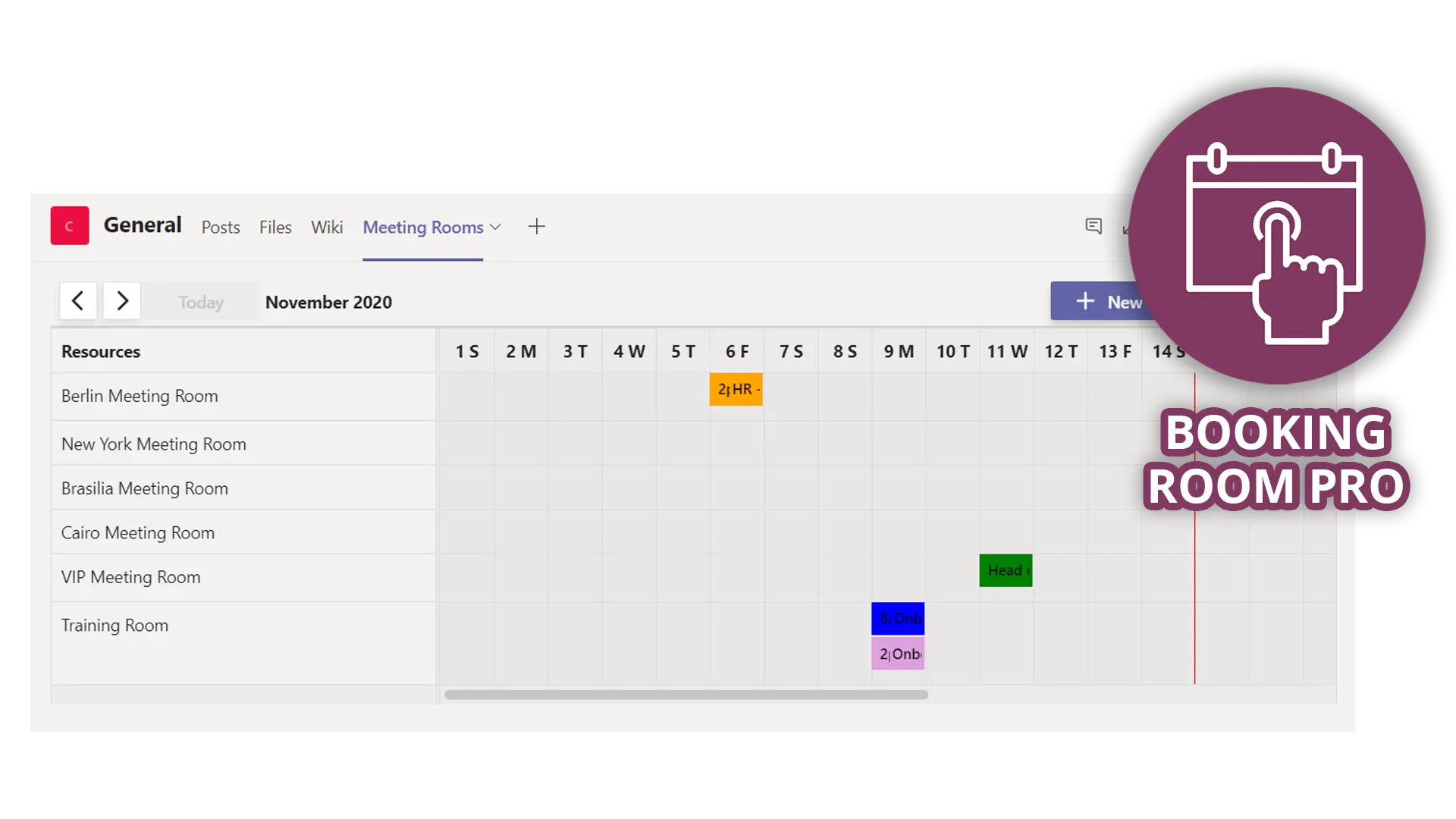
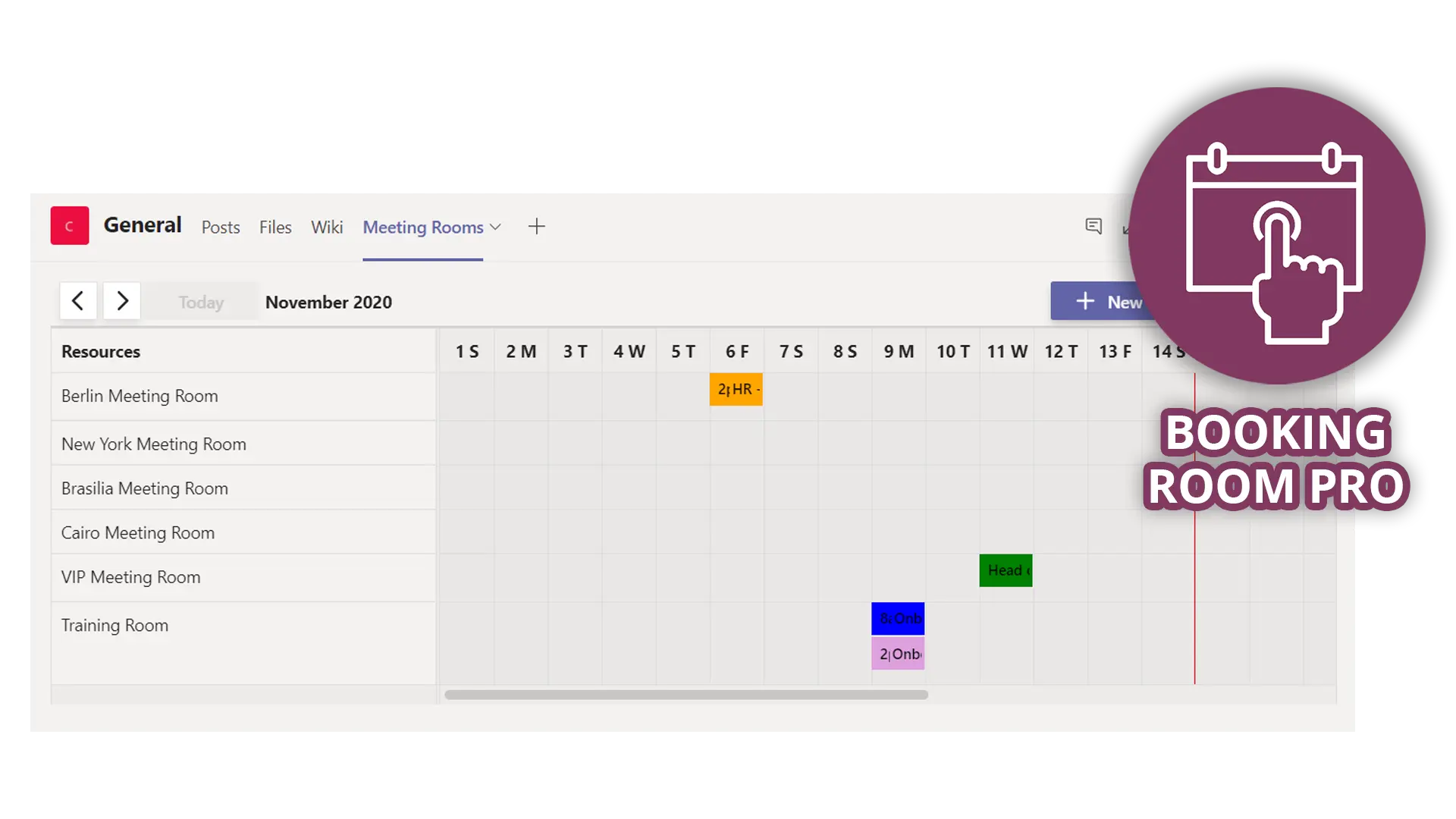
Booking Room Pro covers the scenario the native tools leave awkward: a room calendar a team runs itself, inside the channel where it already works. You add it as a tab in a Teams channel, and "everyone in the channel can see and create bookings" (Booking Room Pro docs). To book, you "choose a room, set the start and end times, and save the booking," and once you consent to calendar access, bookings are copied to your Outlook calendar automatically (docs).
That suits the appointment-style use we see: an advisor or interviewer books a room for a named session without building an Outlook meeting. First-time users, including invited colleagues, get a short guided tour that walks them through booking a room, and they can replay it later from the app.
Keep Bookings for public booking pages and room mailboxes for rooms people book from Outlook. Whichever tool you choose, give each room one place where it is booked, so it never lives in two calendars.
To try it, add Booking Room Pro to one team's channel and set up the rooms that team manages.
The bottom line
Microsoft Bookings is a good tool for booking people: use it for client, student and colleague appointments. Rooms need a calendar built around the room: room mailboxes for internal meetings, or a room calendar the team runs itself where that fits better. If you keep rooms as staff, run the five checks first. For the basics of room booking in Teams, see our guide to Microsoft Teams room booking. And if a team wants its rooms in its own channel, Booking Room Pro is an easy place to start.
Frequently asked questions
Can you use Microsoft Bookings to book rooms?
Only indirectly. Bookings has no room object, so a room has to be added as a staff member. That can work for self-service slots booked through one page, if you use the room's real mailbox and its availability check is on. For internal meeting rooms, room mailboxes booked from Outlook, Teams or Places are the native tool.
Does Microsoft Bookings check the room's calendar?
Not through a service's location, which is text shown on emails and the calendar event. Bookings checks staff calendars, so it sees a room only when that room is a staff member with "Events on Microsoft 365 calendar affect availability" selected. Microsoft doesn't document whether the room's own booking rules apply.
What is the difference between Microsoft Bookings and Bookings with me?
Shared Bookings gives a team a booking page where people book services delivered by staff members. Bookings with me is a personal page for 1:1 meetings that uses your own Outlook calendar and creates no new mailbox. Neither one reserves a room by itself.
How do you book a person and a room together in Microsoft 365?
There are two native options. Add the room as a staff member and assign it to the service with the person under Multiple staff, so a booking needs both to be free. Or have the staff member book the room separately in Outlook or Teams, which leaves a second calendar item.