Thanksgiving and December time-off requests often start landing in October, and overlaps tend to surface only when two people ask for the same week. A team vacation calendar prevents that, but only if it exists before the requests do and carries a few decisions made in advance. Here are five rules and a dated October to December timeline you can apply this month, with any calendar.
- Pew found 46% of US workers with paid time off take less than they are offered, and 54% of those who supervise others do.
- A team vacation calendar prevents year-end gaps only if it exists before the requests arrive and carries rules decided in advance.
- Choose the overlap rule (first-come, rotation, minimum headcount or seniority) before two people ask for the same week.
- GitLab publishes its year-end on-call coverage plan by October 1, so a team starting in October is already late by that standard.
- Enter every absence as an all-day block that says Out, never the reason, and name the colleague covering it.
How do you set up a team vacation calendar?
Most guides stop at where to put the calendar. The setup that actually prevents gaps is mostly a handful of decisions, which is why the short answer looks like this.
A team vacation calendar is one shared calendar, kept in the team's own channel, where every agreed absence is entered as an all-day block. To set one up, create one calendar per team, enter time off the day it is agreed, choose an overlap rule in advance, and name a cover for every absence.
The calendar itself is the easy part. The decisions are what keep a December week from emptying out, and each one is cheap in October and expensive in December.
Why time off goes unused, and where coverage fits
Almost half of US workers who get paid time off leave some of it unused. In a February 2023 survey of 5,188 working adults, 46% said they take less time off than their employer offers. Among them, 49% worry about falling behind at work and 43% feel bad about coworkers taking on extra work (Pew Research Center).
Managers do it more: 54% of workers who supervise others take less time off than offered, against 42% of non-managers (Pew). Deloitte's 2023 survey across the US, UK, Canada and Australia found only 37% of managers say they make sure their employees use their paid time off (Deloitte), and in a Gartner survey from late 2025, 47% of managers said they must work harder than a year ago (Gartner). When two people are out the same week, the work lands on whoever is left.
Coverage is not the whole story. In Pew's data the most common reason is not feeling they need more time off (52%). In a fall 2024 Ipsos survey of 1,387 US workers for Eagle Hill Consulting, 48% did not expect to use all their vacation days by year-end, and cost was the top obstacle at 44%. "No colleagues available to cover work" came in at 21% (Eagle Hill Consulting). Eagle Hill sells workforce consulting, so weigh it accordingly.
A calendar and an overlap rule address one obstacle: the coverage and guilt part, cited by 21% of Eagle Hill's respondents and by 43% of Pew's workers who skip time off. They do not remove the others, but this is the part a team lead controls.
What teams already put on a shared calendar
Time off is the single biggest thing teams put on a shared calendar in Calendar Pro. In a sample of the latest events created in Calendar Pro in early October 2026, about 46% were absence entries (PTO, work from home, days off, sick days, holidays), about 78% were all-day entries, and about 14% were shifts, on-call or "who covers what" entries. About 13 of the 100 latest calendars were dedicated leave, PTO, vacation or holiday calendars. These shares come from hand-classifying a small recent sample, so read them as plus or minus five points.
One pattern suggests some teams load whole plans in one sitting: on October 5, about 100 events were created in roughly three minutes, many dated up to six months out (our inference about intent, not a measurement). Calendar Pro counted about 196,000 unique users in the 30 days to early October, about 45% in the US, followed by Germany, Canada, the UK and South Korea, so a team's December plan may have to hold more than one country's holidays.
What Microsoft 365 already gives you, and where it stops
Microsoft 365 has a documented method, and if your team will follow it every time, use it. Microsoft's guide has each person create an all-day event on the Microsoft 365 group calendar, shown as available rather than busy and with no reminder, so that "when group members check the group calendar, they'll see the dates you're out" (Microsoft Support).
The catch is that it depends on every person repeating that routine. Outlook's automatic replies face the sender, not the team: they go "once to each person who emails you during your absence" (Microsoft Support). In Teams, the channel calendar is "a filtered view of the Microsoft 365 group calendar," each event creates a post in the channel, and it is not available in private channels (Microsoft Support). A post per day off makes a noisy leave board (our reading, not Microsoft's); what actually syncs between Outlook and Teams covers the rest.
Shifts does take time-off requests with manager approval, but it is built for frontline schedules, and approved time off "applies only to the team in which the worker requested it" (Microsoft Learn). If your organization already uses a leave system for requests and balances, keep it. A team vacation calendar does a different job: it is the team's planning view, where overlaps show up before anyone approves them.
Five rules for a team vacation calendar that prevents gaps
They work in any calendar, native or app.
1. Keep one calendar per team, in the team's channel
Put the calendar where the team already works, and keep exactly one. A company-wide calendar buries your six people among sixty, and a spreadsheet goes stale the week its owner is out.
2. Enter every absence as an all-day block the day it is agreed
All-day blocks make overlaps visible at a glance. Enter the block the day the absence is agreed, not the week before, and add tentative plans marked as tentative so the calendar shows intent early.
3. Choose the overlap rule before the first conflict
In a 2021 SHRM article, HR consultant Jill Santopietro Panall advises managers to decide in advance "how many people can be out of the office at one time and whether requests will be granted based on seniority or on a first-come, first-served basis" (SHRM). Each rule has a cost. This is our reasoning, not data:
First-come rewards early planners and can shut out people whose plans hinge on school or family calendars.
Rotation is fairer across years, but someone must record who had which week.
Minimum headcount protects coverage and will force a refusal sooner or later.
Seniority is predictable, and new hires lose every tie.
Pick one, pin it in the channel, and apply it the same way to everyone. Add a notice rule too: GitLab asks for at least twice as many days' notice as the absence lasts, so three days off means six business days' notice (GitLab handbook), and the UK's default rule uses the same doubling (Acas).
4. Name a cover for every absence
An absence without a named cover is a gap with a date on it. GitLab asks people to "designate a backup individual for emergencies and brief them on key projects" and to list important projects with the colleague covering each (GitLab handbook). Put the cover's name in the entry. If nobody can cover, you have found the conflict in October instead of December.
5. Write "Out," not the reason
The whole team sees the board, so it should say who is out, never why. The UK regulator says employers "should not use sickness or injury records when you only need information about the length of an absence" (ICO). For US teams this is good practice rather than a cited legal rule, and it matters: sick days already show up on shared calendars.
Your October to December holiday coverage plan
GitLab's public handbook starts year-end on-call coverage planning by August 15 and publishes final plans by October 1, because "many team members already have travel and family plans booked prior to October" (GitLab handbook). That is an engineering rota, so borrow the timing, not the mechanics (for the rota itself, see our on-call calendar guide for Microsoft Teams). By that standard, October is already late. Start this week.
The 2026 anchors: US Thanksgiving is Thursday, November 26, Christmas is Friday, December 25, and New Year's Day is Friday, January 1, 2027 (OPM). Canadian Thanksgiving is Monday, October 12 (CRA), so treat it as already booked and just check it is on the calendar. In the latest holiday-level data from the Bureau of Labor Statistics, which dates from 2018, only 34% of private-industry workers at establishments with 1 to 99 workers got the day after Thanksgiving as a paid holiday (BLS) and 24% got Christmas Eve (BLS). Our inference: at small companies those bridge days are typically PTO days, so that is where requests will stack up.
Distributed teams need one more pass. England and Wales take their Boxing Day bank holiday on Monday, December 28, 2026, while US colleagues work (GOV.UK). In Berlin, December 24 and 31 are not on the public holiday list (berlin.de), and German holidays vary by state, so check each colleague's.
Here is the plan, dated for 2026.
- Set up the calendar this week
Create one calendar in the team's channel, post the overlap and notice rules, and check that Canadian Thanksgiving on October 12 is already on it.
- Collect every plan by October 16
Ask each person to add all time off through January 1, 2027 as all-day blocks, tentative plans included and labeled.
- Resolve overlaps by October 30
Check Thanksgiving week and December 21 to January 1 against your rule, and name a cover for every absence.
- Confirm Thanksgiving week by November 13
Lock November 25 to 27 and make sure every cover has been briefed.
- Lock the holiday weeks by December 4
Freeze December 21 to January 1, add each country's public holidays, and attach handoff notes to the entries.
- Review and record in mid-January
Note who covered which week for next year's rotation, and who gave up planned time off.
Reading this in late October? Compress the first three steps into one week. The order matters more than the dates.
How Teams Pro helps
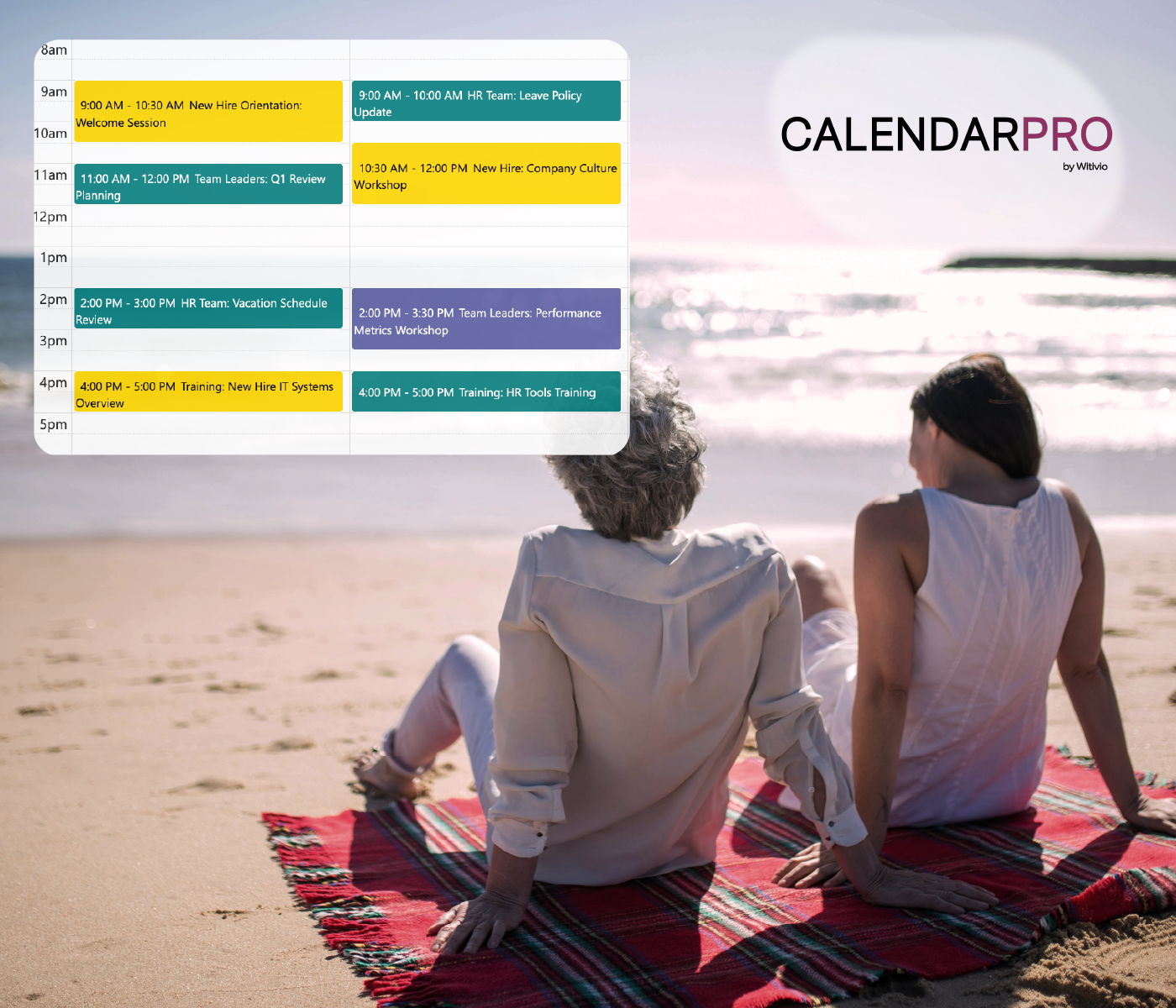
Calendar Pro fits rule 1 directly. You add it into a channel to create a shared calendar with that channel's members, so the team vacation calendar lives where the team already talks, one per team. Absences go in as all-day entries (about 78% of recent entries already are), so two people out the same week show up on the same days before anyone has agreed to both.
Treat it as the team's planning view and keep whatever system grants and tracks leave in your organization. The habits in this article carry over unchanged. What changes is that nobody has to remember a second place to look.
To try it, add Calendar Pro to one team's channel this week and run the October 16 step there.
The bottom line
A team vacation calendar does not prevent December gaps by existing. It works when it is in place before the requests arrive, holds every agreed absence as an all-day block, and carries three decisions made early: the overlap rule, the notice rule and a named cover. That addresses the coverage and guilt part of skipped time off, not every reason, and it is the part you can fix this month. For day-to-day questions about who is in the office, see our guide to a shared team calendar. If you want the plan inside the channel your team already uses, Calendar Pro is a simple place to start.
Frequently asked questions
How do I make a vacation calendar in Microsoft Teams?
Microsoft documents a native method: each person adds an all-day event to the team's Microsoft 365 group calendar, shown as available rather than busy and with no reminder. It works if everyone repeats it every time. The alternative is a calendar app added to the team's channel, so absences sit where the team already works.
How do you handle overlapping vacation requests?
Decide the rule before the first conflict: how many people can be out at once, and whether ties go to the first request, a rotation, a minimum headcount or seniority. An HR consultant quoted by SHRM in 2021 advises settling exactly those two points in advance. Then apply the rule the same way to everyone.
When should a team plan holiday coverage?
Earlier than feels necessary. GitLab's public handbook starts year-end coverage planning by August 15 and publishes final plans by October 1, because many people book travel before October. If you are starting in October, collect everyone's plans within two weeks and resolve overlaps before November.
Should a team vacation calendar show why someone is off?
No. Write Out or PTO, never the reason. A shared board is visible to the whole team, and the UK regulator, the ICO, advises employers not to use sickness records when they only need to know the length of an absence.