






AI Agent

Diagram Maker Pro: AI Diagramming for Microsoft 365 Copilot

Turn fragmented ideas, meeting notes, and complex processes into clear, structured diagrams in seconds. Just describe what you need, and Diagram Maker Pro generates flowcharts, mind maps, Gantt charts, and more.
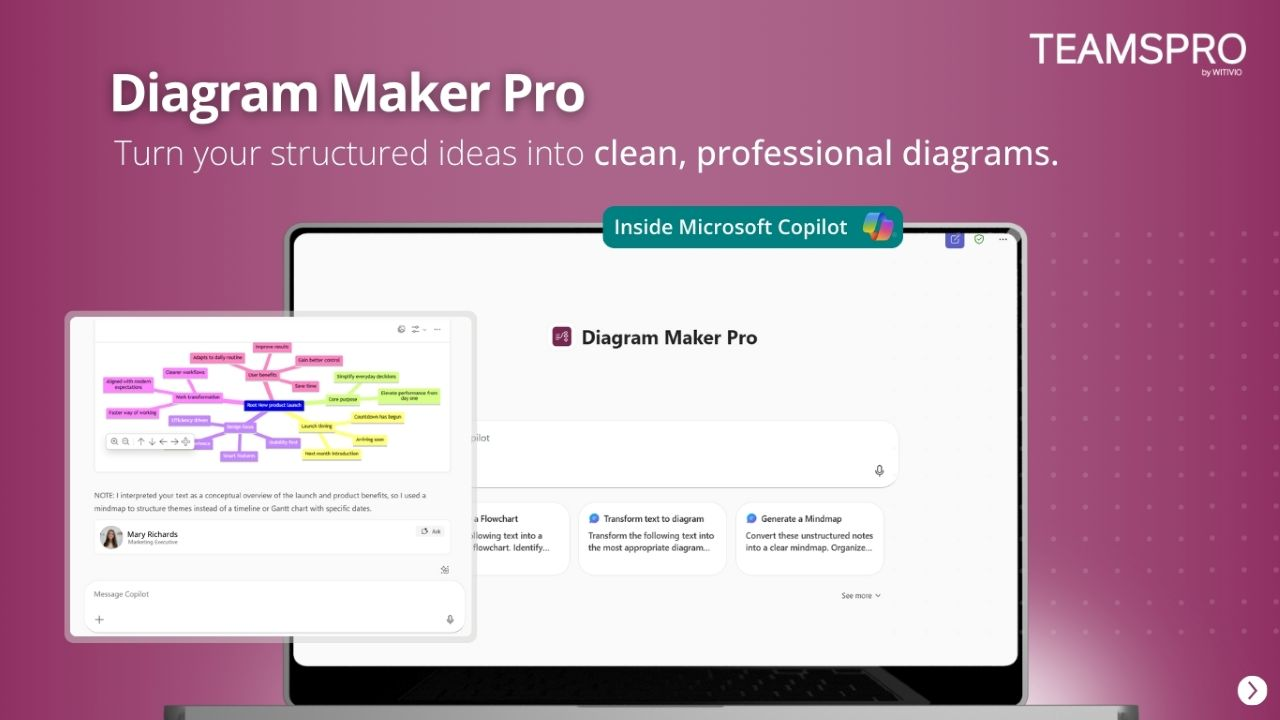
Requires Microsoft 365 Copilot. Free version included with your Microsoft 365 subscription.
Coming soon See prices
Diagram Maker Pro AI diagramming in Microsoft Copilot

Try asking Diagram Maker Pro

From idea to diagram in seconds.

Just describe what you need in plain language. Diagram Maker Pro detects the structure and generates the right visual.

Brainstorm

"Help me structure these ideas so they become easier to explain and connect together"

Generates a mind map that reveals how ideas connect and relate to each other.

Process

"Explain how this onboarding process works from start to finish"

Creates a clear flowchart showing steps, decisions, and dependencies.

Project

"Organize this project so it becomes clear what needs to happen, in what order"

Builds a Gantt chart with phases, timelines, and task dependencies.

Journey

"Show me what a user goes through when booking a meeting room"

Maps the complete user journey with touchpoints and decision points.

5+
Diagram types generated automatically
10x
Faster than manual diagramming
60s
Setup time, zero learning curve

Simple Setup

Get started in 3 steps

1

Open Copilot

Launch Microsoft Copilot from anywhere in your Microsoft 365 environment.

2

Add Diagram Maker Pro

Enable the Diagram Maker Pro agent from the Copilot Agent Store. No setup required.

3

Describe & Generate

Describe the situation or paste your text. Diagram Maker Pro generates the right diagram automatically.

Coming soon

Use Case 1

Process & Workflow Mapping

Explain any process in plain language and get a clear flowchart showing main steps, decisions, and outcomes. Perfect for onboarding workflows, approval processes, and operational procedures.

Diagram Maker Pro detects the underlying structure of your description and automatically generates the most appropriate visual.
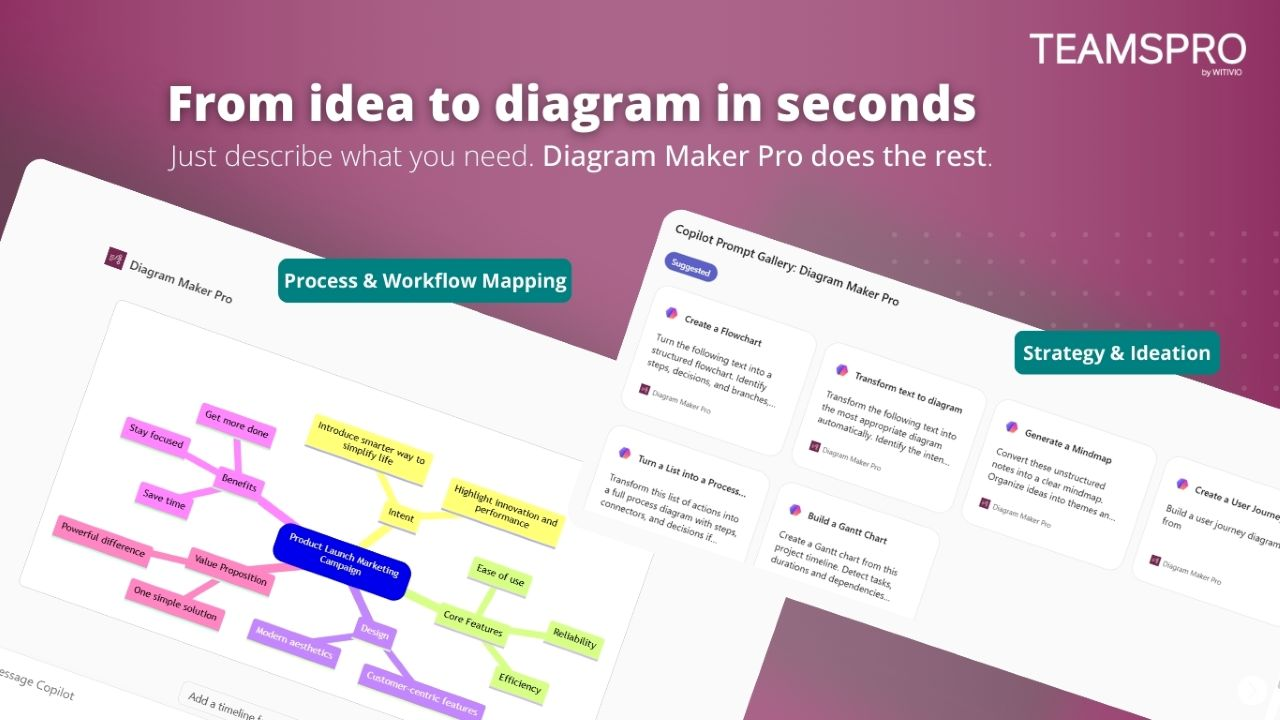
Diagram Maker Pro process and workflow mapping

Use Case 2

Strategy & Ideation

Share unstructured ideas, brainstorming notes, or meeting summaries. Diagram Maker Pro transforms them into mind maps that reveal how concepts connect and what the priorities should be.

Diagram Maker Pro clarifies relationships, dependencies, and next actions from messy input.
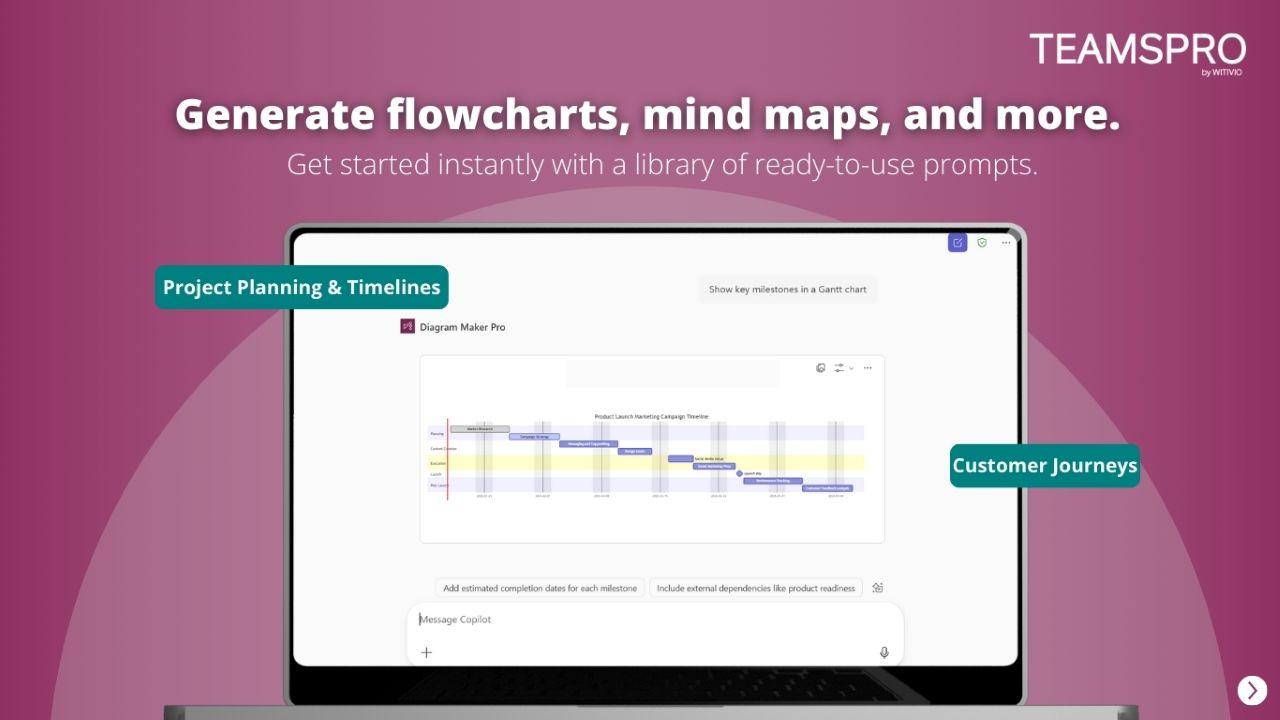
Diagram Maker Pro strategy and ideation mind maps

Security & Privacy

Your data stays where it belongs

All data remains within your Microsoft 365 ecosystem. Nothing is stored externally or used for AI training.

GDPR-Compliant

EU-hosted infrastructure with full GDPR compliance. Your data stays in your region.

Azure-Hosted

Enterprise-grade security on Microsoft Azure with ISO 27001 certification.

No External AI Training

Your content is never used to train AI models. Zero data leakage, guaranteed.

Pricing & Plans

Estimate your plan. Checkout happens on Microsoft Marketplace

Use this simulator to calculate your team’s cost. When you’re ready, visit Microsoft Marketplace to complete your purchase.

Simulate your pricing

Switch Billing Frequency

Premium

Popular

Loading... user/month

Not sure which plan to pick?

Witivio is a trusted Microsoft Partner

Available on Microsoft AppSource
Microsoft Partner of the Year
Microsoft IP Co-sell
Microsoft AI Cloud Partner
Microsoft MACC Eligible
Microsoft Azure Marketplace
Compare plans
Premium
Loading... user/month
Go to Microsoft MarketPlace

Core Features

Unlimited diagrams

Flowcharts

Mind maps

Sequence diagrams

Gantt charts

Mermaid syntax export

Data Management

EU Data Residency

GDPR Compliance

Business Support

Help Center Access

Support Tickets and Live Chat

Need 20+ licenses?

Get volume discounts, dedicated onboarding, and priority support for your team.

Request a Quote

FAQ

Frequently asked questions

What is Diagram Maker Pro?
Diagram Maker Pro is an AI-powered diagramming agent for Microsoft 365 Copilot. It transforms text descriptions, ideas, meeting notes, and processes into clear visual diagrams like flowcharts, mind maps, Gantt charts, and user journey maps.
How does Diagram Maker Pro work?
Simply describe the situation you want to visualize or paste text, notes, or meeting summaries. Diagram Maker Pro automatically detects the underlying structure and generates the most appropriate visual diagram with the right relationships, steps, and dependencies.
What types of diagrams can Diagram Maker Pro create?
Diagram Maker Pro can generate flowcharts, mind maps, Gantt charts, user journey maps, process workflows, project timelines, organizational charts, and priority matrices. It automatically selects the best diagram type based on your input.
Does Diagram Maker Pro require Microsoft 365 Copilot?
Diagram Maker Pro works as a Microsoft 365 Copilot agent. A free version is included with your Microsoft 365 subscription. You can install it directly from the Copilot Agent Store.
Is my data safe with Diagram Maker Pro?
Yes. Diagram Maker Pro operates within your Microsoft 365 environment. Data is processed on Microsoft Azure with EU hosting, GDPR compliance, and ISO 27001 certification. No data is used for external AI training.
How much does Diagram Maker Pro cost?
Diagram Maker Pro includes a free trial. Premium plans are available per user per month with volume discounts for organizations with 20+ licenses.

Ready to turn ideas into visual clarity?

From concept to diagram in seconds. All insights inside Microsoft Copilot.

Coming soon Book a Demo